
Next.js is a powerful React framework that has gained immense popularity among developers for its ability to build fast, scalable, and SEO-friendly web applications. If you’re a beginner in Next.js but already have a solid understanding of React concepts like components, JSX, props, state, and hooks (useState and useEffect), you’re in a great position to dive into Next.js and start building projects.
In this article, we’ll explore Beginner-Friendly Next.js Projects Examples that are perfect for beginners. These projects will help you practice and master the core features of Next.js while building something practical and fun. By the end of this article, you’ll have a clear roadmap to start your Next.js journey.
Why Next.js?
Before we dive into the Beginner-Friendly Next.js Projects Examples, let’s briefly discuss why Next.js is worth learning:
- Server-Side Rendering (SSR): Next.js allows you to render pages on the server, which improves performance and SEO.
- Static Site Generation (SSG): You can generate static HTML pages at build time, making your site incredibly fast.
- File-Based Routing: Next.js automatically creates routes based on the file structure in the
pagesdirectory. - API Routes: You can create backend endpoints directly within your Next.js app.
- Built-In Optimization: Features like image optimization, code splitting, and fast refresh make development a breeze.
- TypeScript Support: Next.js has built-in support for TypeScript, making it easy to add type safety to your projects.
Now that you know why Next.js is awesome, let’s jump into some Beginner-Friendly Next.js Projects Examples.
1. Static Blog Site
Project Overview
A static blog site is a great way to learn about Static Site Generation (SSG) in Next.js. You’ll create a blog where the content is fetched at build time and served as static HTML.
Features to Implement
- Use
getStaticPropsto fetch blog posts from a JSON file or an API. - Use
getStaticPathsto generate dynamic routes for each blog post. - Create a homepage that lists all blog posts.
- Add a simple design using CSS modules or a library like Tailwind CSS.
Skills Learned
- File-based routing.
- Static site generation.
- Dynamic routes.
- Basic styling.
Example
- Homepage:
/(lists all blog posts). - Blog post page:
/posts/[id](displays a single blog post).
2. To-Do App
Project Overview
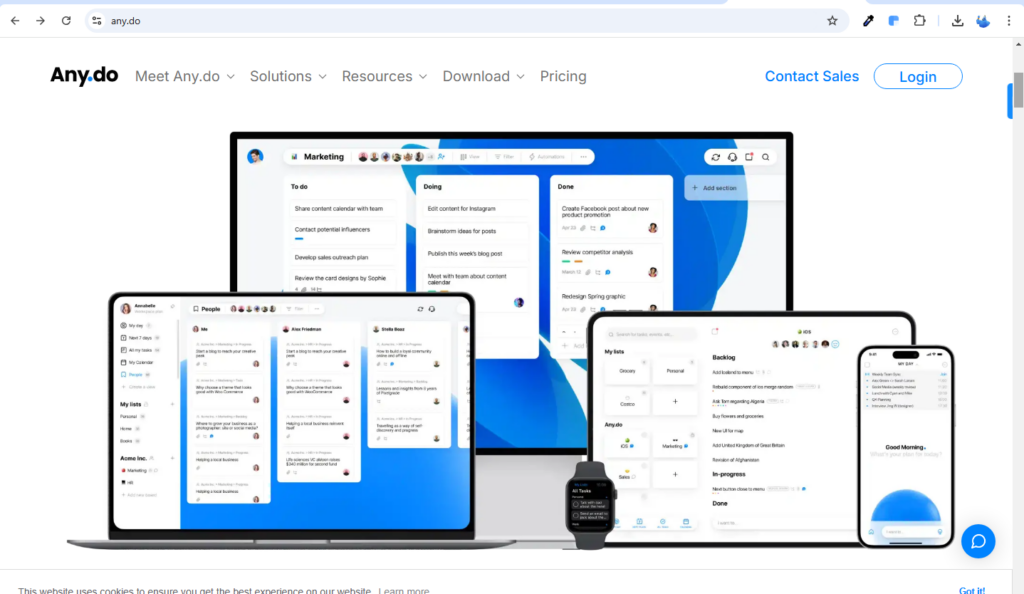
A to-do app is a classic beginner project that helps you practice client-side state management and React hooks.
Features to Implement
- Use
useStateto manage the list of tasks. - Allow users to add, delete, and mark tasks as completed.
- Save tasks to
localStoragefor persistence. - Add a simple UI with checkboxes and a delete button.
Skills Learned
- Client-side state management.
- Using React hooks (
useState,useEffect). - Basic form handling.
Example
- A page with an input field to add tasks and a list of tasks below.
3. Weather App
Project Overview
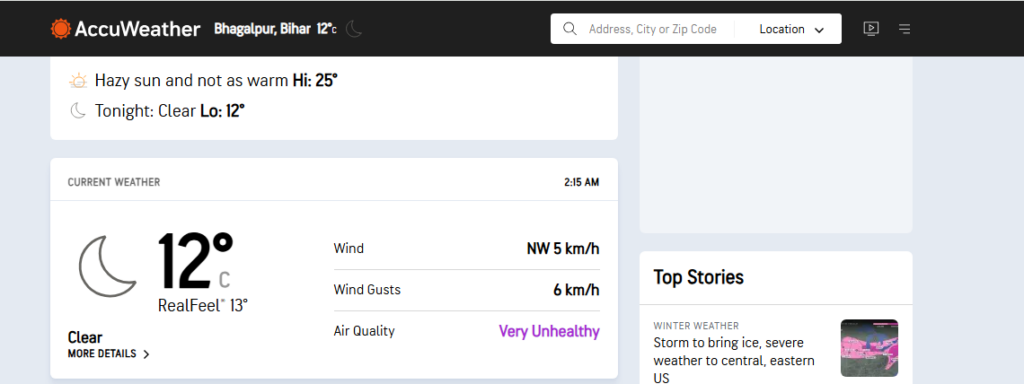
A weather app is a fun project that teaches you how to fetch data from an API and display it dynamically.
Features to Implement
- Use
getServerSidePropsoruseEffectto fetch weather data from an API like OpenWeatherMap. - Allow users to search for weather by city.
- Display temperature, humidity, and weather conditions.
Skills Learned
- Data fetching in Next.js.
- Working with APIs.
- Dynamic content rendering.
Example
- A page with a search bar and weather details for the searched city.
4. Portfolio Website
Project Overview
A portfolio website is a practical project that showcases your skills and projects. It’s also a great way to learn about multi-page routing in Next.js.
Features to Implement
- Create static pages for About, Projects, and Contact sections.
- Use CSS modules or styled-jsx for styling.
- Add a blog section using SSG (optional).
Skills Learned
- File-based routing.
- Static site generation.
- Basic styling.
Example
- Homepage:
/(introduction and links to other pages). - About page:
/about(information about you). - Projects page:
/projects(showcase your projects).
5. Image Gallery
Project Overview
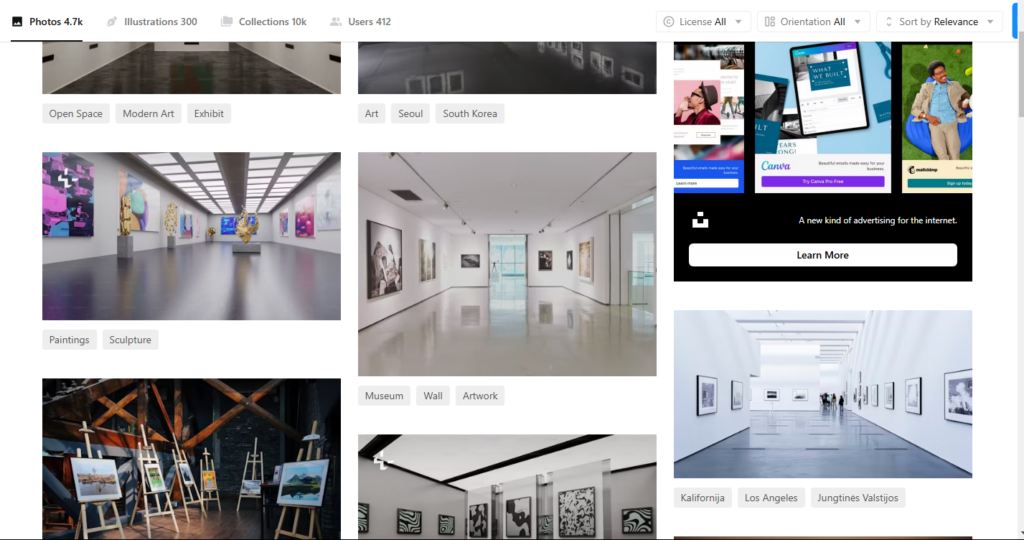
An image gallery project helps you learn about image optimization and lazy loading in Next.js.
Features to Implement
- Use the
next/imagecomponent for optimized images. - Fetch images from an API or use a local JSON file.
- Add a lightbox feature to view images in full screen.
Skills Learned
- Image optimization in Next.js.
- Basic grid layout with CSS.
- Lazy loading and performance optimization.
Example
- A page with a grid of images that opens in a lightbox when clicked.
6. Quiz App
Project Overview
A quiz app is a great way to practice state management and dynamic content rendering.
Features to Implement
- Use
useStateto track the user’s score and current question. - Fetch quiz questions from a JSON file or API.
- Display results at the end of the quiz.
Skills Learned
- State management with React hooks.
- Dynamic content rendering.
- Basic form handling.
Example
- A quiz with questions like “What is the capital of France?” and options to choose from.
7. E-commerce Product Listing Page
Project Overview
A product listing page is a practical project that teaches you how to fetch and display data in a structured way.
Features to Implement
- Use
getStaticPropsto fetch product data from a JSON file or API. - Display product name, image, price, and a “Add to Cart” button.
- Add a filter or search feature (optional).
Skills Learned
- Static site generation.
- Data fetching.
- Basic UI design.
Example
- A page with a list of products and a simple filter by category.
8. Movie Search App
Project Overview
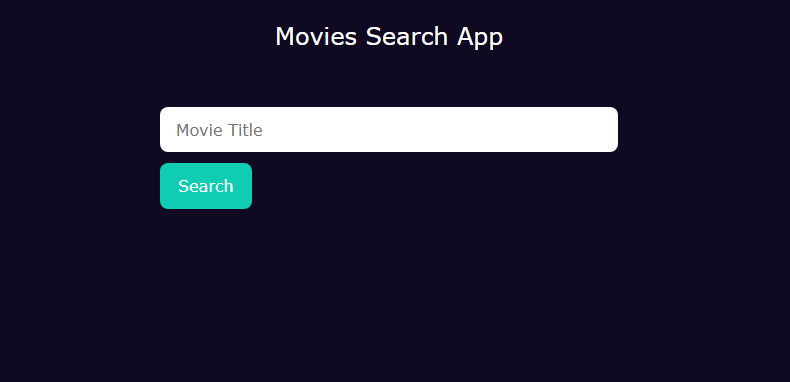
A movie search app is a fun project that helps you practice data fetching and working with APIs.
Features to Implement
- Use
useEffectto fetch movie data from an API like OMDB or TMDb. - Allow users to search for movies by title.
- Display movie title, poster, and release date.
Skills Learned
- Data fetching with
useEffect. - Working with external APIs.
- Dynamic content rendering.
Example
- A page with a search bar and a list of movies matching the search query.
9. Contact Form with API Route
Project Overview
A contact form project teaches you how to handle form submissions and create API routes in Next.js.
Features to Implement
- Create a form with fields for name, email, and message.
- Use an API route (
pages/api/contact.js) to handle form submission. - Display a success or error message after submission.
Skills Learned
- API routes in Next.js.
- Form handling and validation.
- Basic backend logic.
Example
- A contact form that sends data to
/api/contactand shows a success message.
10. Dark Mode Toggle
Project Overview
A dark mode toggle is a simple yet effective project to practice state management and dynamic styling.
Features to Implement
- Use
useStateto toggle between light and dark themes. - Apply dynamic CSS classes based on the theme.
- Save the user’s preference in
localStorage.
Skills Learned
- State management with React hooks.
- Dynamic styling.
- Persisting user preferences.
Example
- A button that toggles between light and dark themes.
Why These Beginner-Friendly Next.js Projects Examples Are Perfect for Learning
The Beginner-Friendly Next.js Projects Examples listed above are designed to help you gradually build your skills. Each project focuses on a specific set of features, allowing you to learn step-by-step. Here’s why these projects are ideal for beginners:
- Hands-On Practice: You’ll get hands-on experience with Next.js features like SSG, SSR, API routes, and dynamic routing.
- Real-World Applications: These projects mimic real-world scenarios, making them practical and relevant.
- Progressive Difficulty: The projects start simple and gradually increase in complexity, ensuring a smooth learning curve.
- Portfolio Building: By completing these projects, you’ll have a portfolio to showcase your skills to potential employers or clients.
Tips for Success with Beginner-Friendly Next.js Projects Examples
To make the most of these Beginner-Friendly Next.js Projects Examples, follow these tips:
- Start Small: Begin with the simplest project (e.g., To-Do App) and gradually move to more complex ones.
- Use the Documentation: The Next.js documentation is your best friend. Refer to it often.
- Experiment: Don’t be afraid to experiment with different features and techniques.
- Deploy Your Projects: Use Vercel to deploy your projects and share them with the world.
- Join the Community: Engage with the Next.js community on platforms like GitHub, Discord, or Reddit to ask questions and learn from others.
Conclusion
Next.js is a versatile framework that empowers you to build modern web applications with ease. As a beginner, starting with Beginner-Friendly Next.js Projects Examples is the best way to learn and gain confidence. The projects listed above cover a wide range of Next.js features, from static site generation and API routes to dynamic content rendering and state management.
By building these projects, you’ll not only solidify your understanding of Next.js but also create a portfolio that showcases your skills. So, pick a project that excites you, open your code editor, and start building! Happy coding! 🚀
Next Steps:
- Explore the Next.js documentation for detailed guides.
- Deploy your projects on Vercel to share them with the world.
- Join the Next.js community to connect with other developers and learn from their experiences.
Custom Software Development (Next.js) by Labhanya Technologies
Unlock the full potential of your business with custom software solutions(Next.js) from Labhanya Technologies. Our expert team leverages cutting-edge technology and strategic insights to design and develop powerful, intuitive software tailored to your unique business requirements. Whether it’s streamlining operations, boosting productivity, or driving innovation, our bespoke software solutions are crafted to elevate your business to new heights of success. Discover the transformative impact of software designed exclusively for your organization and take the first step toward achieving your goals with Labhanya Technologies.
For any type of website Development Services Checkout our this page